Welcome to Canadian Financial System! Starting a new business in Canada is an exciting journey, but the financial administrative work can quickly feel overwhelming. Setting up a solid bookkeeping system from day one is the most effective way to save time, maximize your tax deductions, and avoid stressful audits from the Canada Revenue Agency (CRA).
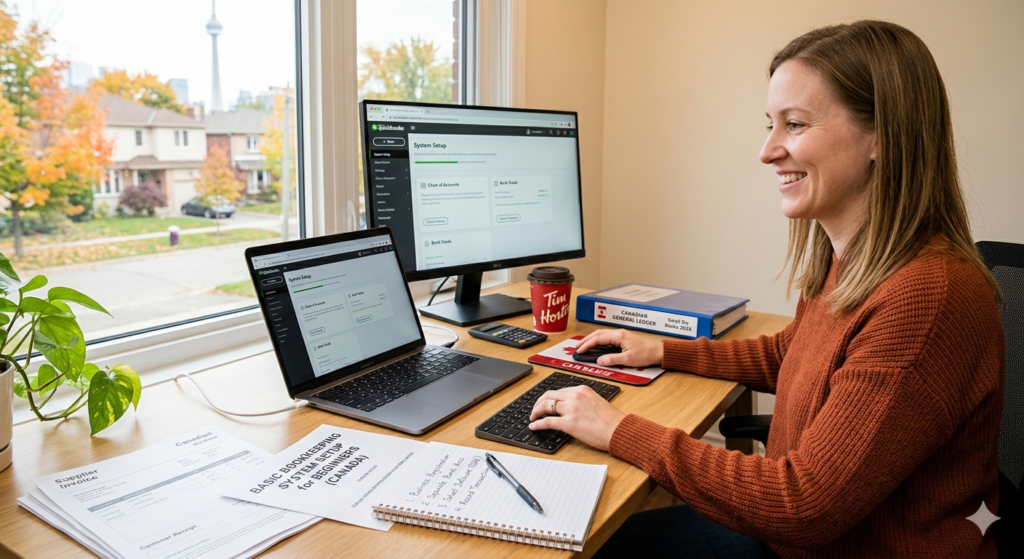
Whether you are a freelancer, an e-commerce seller, or a growing startup, here is a beginner-friendly guide to establishing your basic bookkeeping infrastructure.
1. Separate Your Business and Personal Finances
The golden rule of bookkeeping is to never mix your personal groceries with your business software subscriptions. Even if you are a sole proprietor and are not legally required to open a formal commercial bank account, doing so is highly recommended.
Using a dedicated business checking account and credit card makes tracking your income and expenses effortless and protects you during tax season. For banking, you can choose from the traditional “Big Five” banks, which offer tiered business plans, or explore digital-first platforms like Venn, which has no monthly fees and provides free unlimited Interac e-Transfers.
2. Choose Your Cloud Accounting Software
Ditch the shoebox full of receipts and the manual spreadsheets. Modern cloud accounting software acts as the financial hub of your business, securely syncing with your bank to pull in transactions automatically. Here are the top choices for Canadian businesses:
- Wave Accounting: Ideal for bootstrapped startups and micro-businesses, Wave offers a 100% free core accounting suite that includes double-entry ledgers, Canadian bank syncing, and basic GST/HST reporting.
- QuickBooks Online: The industry standard for scaling businesses and the platform most accountants prefer. It handles Canadian taxes brilliantly, offers robust third-party integrations, and starts around $30 to $35 CAD per month.
- Xero: Known for its clean, modern interface and exceptional multi-currency handling. Unlike QuickBooks, Xero allows for unlimited users on all of its plans, making it a great value for teams (starting around $20 CAD per month).
- FreshBooks: The best choice for solo service providers and freelancers. It excels at time-tracking, project management, and sending beautiful invoices to clients.
3. Understand the Chart of Accounts
Your Chart of Accounts (COA) is essentially the filing cabinet for your business’s money. It categorizes every transaction into five main buckets using a standardized numbering system :
- Assets (1000s): What you own, like cash in the bank and equipment.
- Liabilities (2000s): What you owe, including business loans and GST/HST collected.
- Equity (3000s): The owner’s value or investment in the business.
- Revenue (4000s): The money you earn from sales or services.
- Expenses (5000s+): The costs of running your business, such as rent, software, and advertising.
Fortunately, when you sign up for platforms like QuickBooks or Wave, they will automatically generate a standard Canadian Chart of Accounts for you.
4. Navigate Canadian Sales Tax (GST/HST/PST)
If your business earns more than $30,000 CAD in worldwide taxable revenue over four consecutive calendar quarters (or in a single quarter), you are legally required to register for a GST/HST account with the CRA.
Once registered, you must charge sales tax based on the “Place of Supply” rules—meaning you charge the tax rate of the province where your customer is located, not where your business is based. For example, if you are in Alberta but sell to a customer in Ontario, you must collect Ontario’s 13% HST. Using quality accounting software will help you automatically calculate these varying provincial rates and track the Input Tax Credits (ITCs) you earn on your business purchases.
5. Digitize Receipts and Build a Routine
The CRA is strict about record-keeping: an expense without a verifiable receipt is an expense that never happened. By law, you must keep all required business records and supporting documents for a minimum of six years from the end of the last tax year they relate to.
To avoid losing faded paper receipts, use a digital receipt-capture app (many accounting platforms have these built-in) to photograph your receipts immediately.
Finally, establish a consistent bookkeeping routine to keep your financial house in order :
- Daily (15 mins): Log in to your software, categorize imported bank transactions, and attach digital receipts.
- Weekly (1 hour): Send out invoices and follow up with clients who are late on their payments.
- Monthly (2-3 hours): Reconcile your bank and credit card accounts to ensure your software perfectly matches your actual bank statements. This catches errors early and makes year-end tax filing a breeze.